AI
Beyond Text Prompts: How to Use Reference Images for Brand-Consistent AI Video
AI Director Secrets

David
June 5, 2026
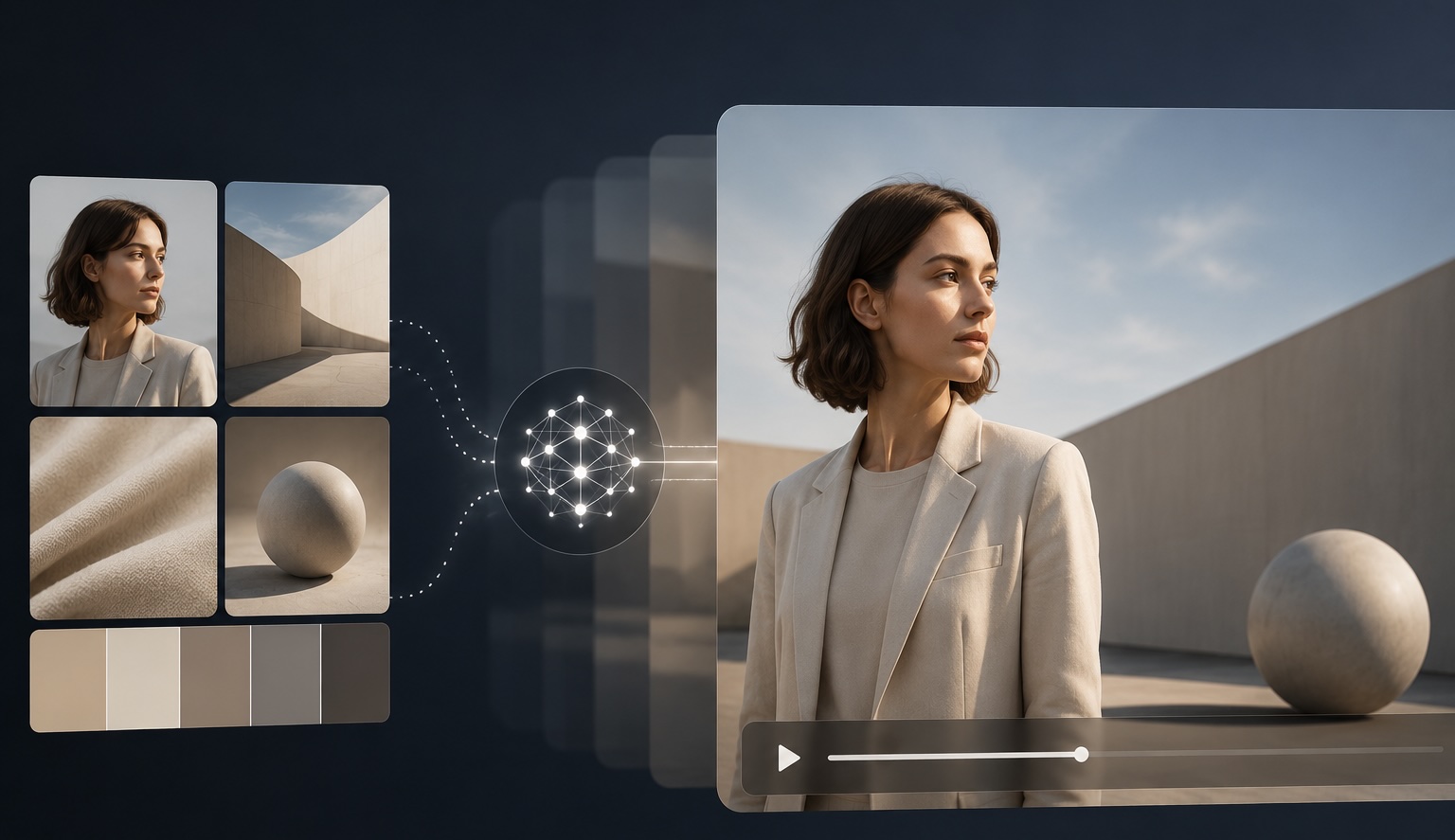
Let’s just dive right in and talk about how to properly use references in AI video production. When you’re trying to get a specific look, relying just on text prompts won’t cut it. You need references. But how do you actually use them to get a predictable, brand-consistent result?
This is David—Art Director and AI Video Creator for business and here is a breakdown of how we handle this in the production pipeline, from building a visual style to managing input materials.
What exactly should you be looking for when pulling references? Characters, locations, colors, images? Honestly, you should pull references for everything.
You need to look at character design, how the backgrounds behave, the physics of the space inside the animation, and so on. For example, in certain animation styles, the backgrounds don’t just get blurred out (like a standard camera depth-of-field). Instead, they become less detailed—painted with rougher, less precise strokes. This is a specific visual trick used to focus the viewer's attention on the main object. You need to reference those exact tricks.
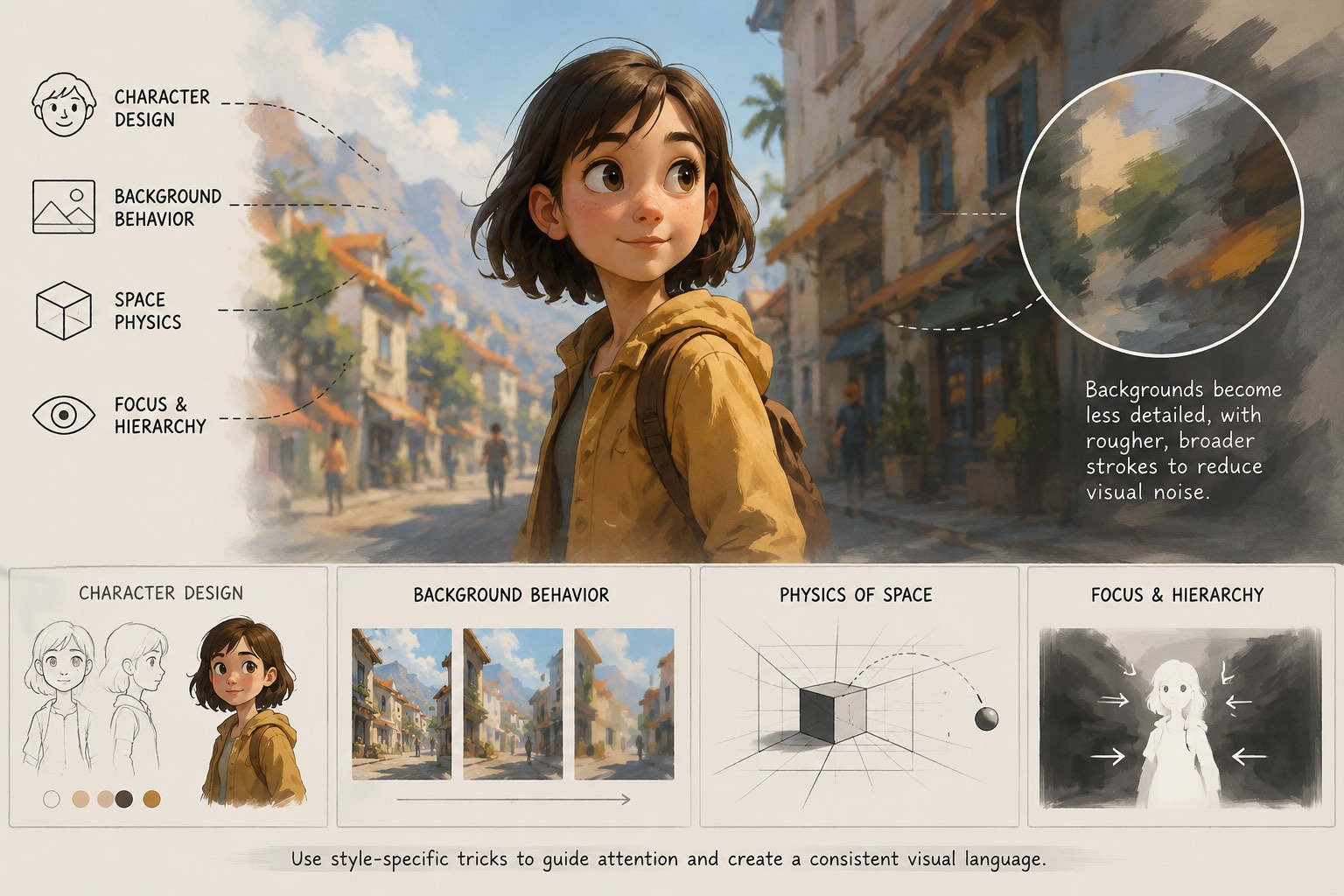
This is exactly why the person picking the references and generating the images needs a solid foundation in design. They need to be able to tell good from bad and understand exactly how visuals are constructed.
Often, you can't just upload a reference picture and expect to get the exact style you want. The AI won't automatically adopt the visual "rules" of your reference image. You have to understand those rules yourself:
You have to write these specific things down and heavily accent them in your prompts when you are putting together your visual style—what we call a "style map." You need to collect as many references as possible, break them down, point out exactly what you like about them, combine them, and build your own unique style out of those distinct rules.
For instance, here is how we curated references for one of our projects (full breakdown at the link). These examples were essential for defining the overall animation style.
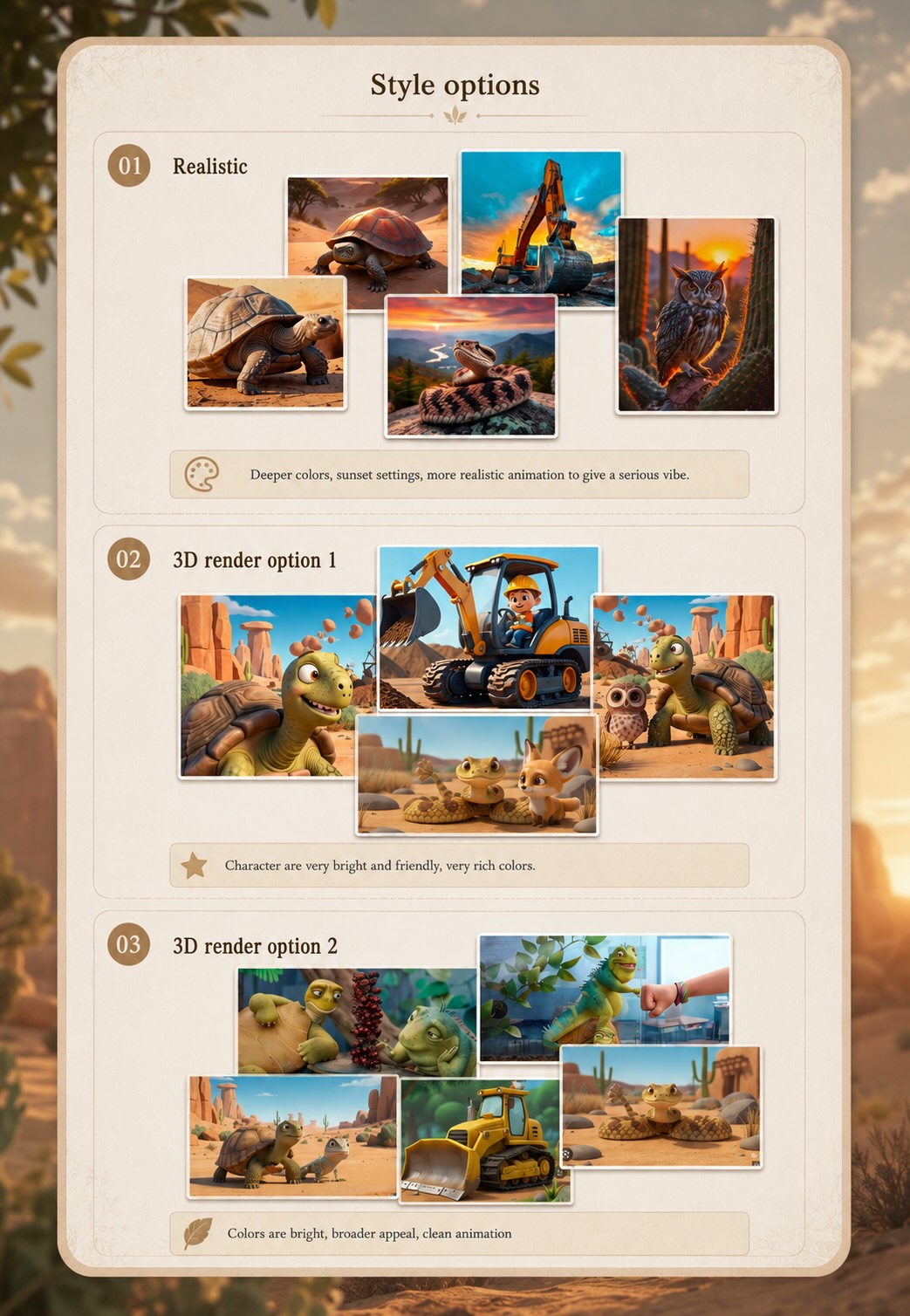
References aren't just for still frames; they are for the movement, too. If we are generating a very slow, measured scene, it’s highly desirable to find references of similar pacing. This helps us understand what focal lengths are being used and the exact sequence of those shots.
You can even look at the timing of the edits in your references and recreate those exact timings in your video generation prompts so the final result isn't too fast or too slow. Eventually, with experience, you just develop a gut feeling for how much screen time a specific scene actually needs.
When you hand these references over to the production team, be specific about why you included them. Don't just say, "I like this." Point out the overall style, the actor, the geometry of the frame, or the focal length. Maybe it’s the specific signature of a certain camera—like a distinct film grain, or the look of a highly digital sensor, or an anamorphic lens. You have to tell the team exactly what to look at, because how that reference is used depends entirely on what you want to extract from it.
Even for a project as simple as this (in terms of visual complexity), we still curated references. Check out the full case study via the link!
Can the AI exactly repeat a specific room or setup from a reference? On a technical level, almost anything is possible right now.
It used to be a huge problem. Generating something like a hare and a turtle frying a coconut on a beach was almost impossible because the AI just didn't have that specific scenario in its training dataset to synthesize a unique image. Today, the tools handle these tasks significantly better.
However, there are still limitations:
So, you just have to propose your idea, and the production team will tell you what’s viable. The tools are evolving fast, and the impossible things are becoming possible very quickly.
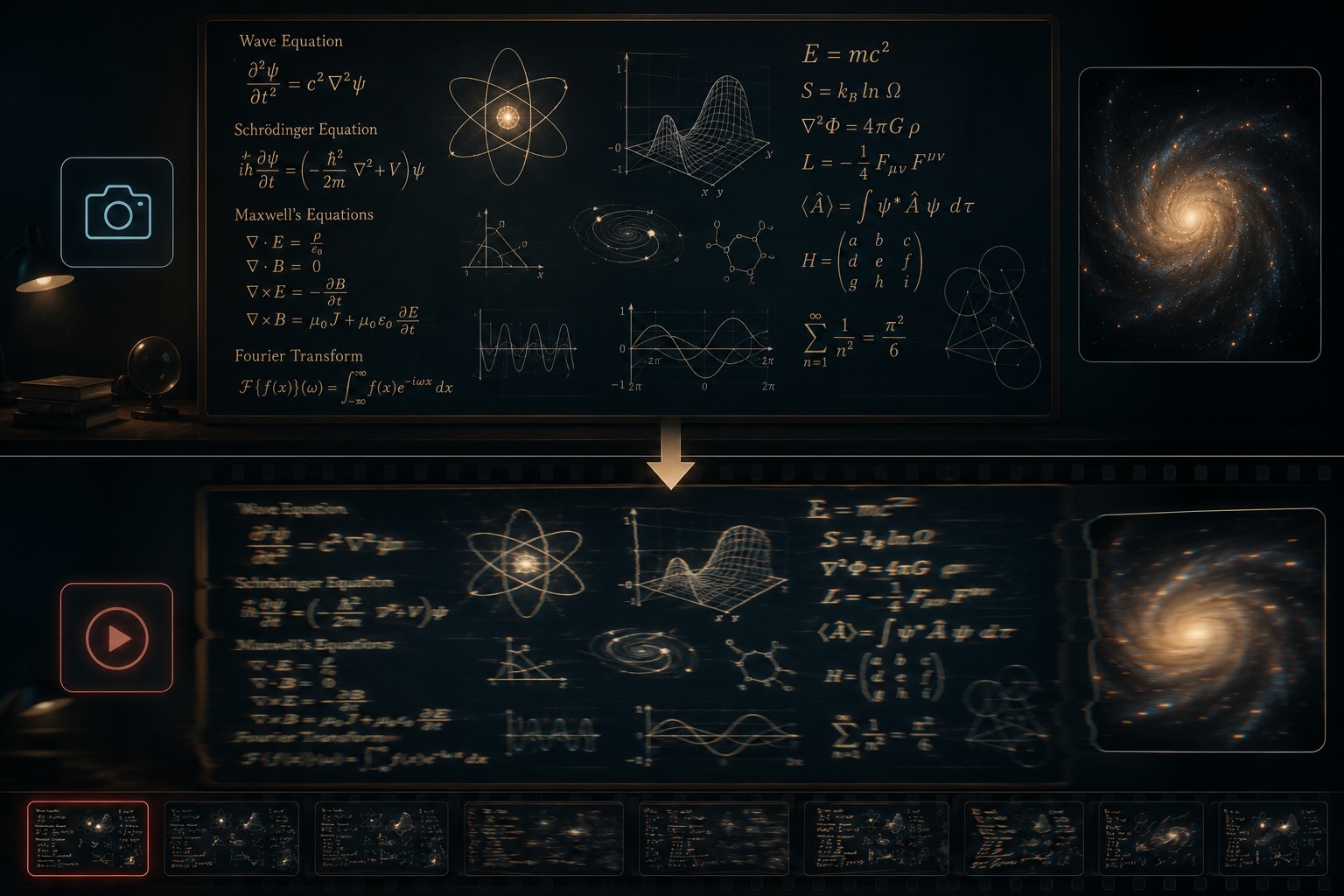
Do references make life easier for the production team? I wouldn't say they magically simplify the work, but they are absolutely necessary to make the task concrete.
In any given project, we pull a ton of references to construct a unified "style map." The references serve their purpose early on by establishing the general rules, the visual boundaries, and the overall aesthetic. Once that map is locked in, we put the references aside and start working strictly with our own generated material.
If we are making a promo video for a physical product—let's say, a sneaker—what should you send us?
When it comes to AI inputs, the more data, the better. We can process massive amounts of data using AI tools now. So, if you have 3D scans of the sneaker, photos of someone running in it, isolated shots, high-quality photos, low-quality photos—send it all. We will analyze everything and figure out what helps us and what doesn’t.
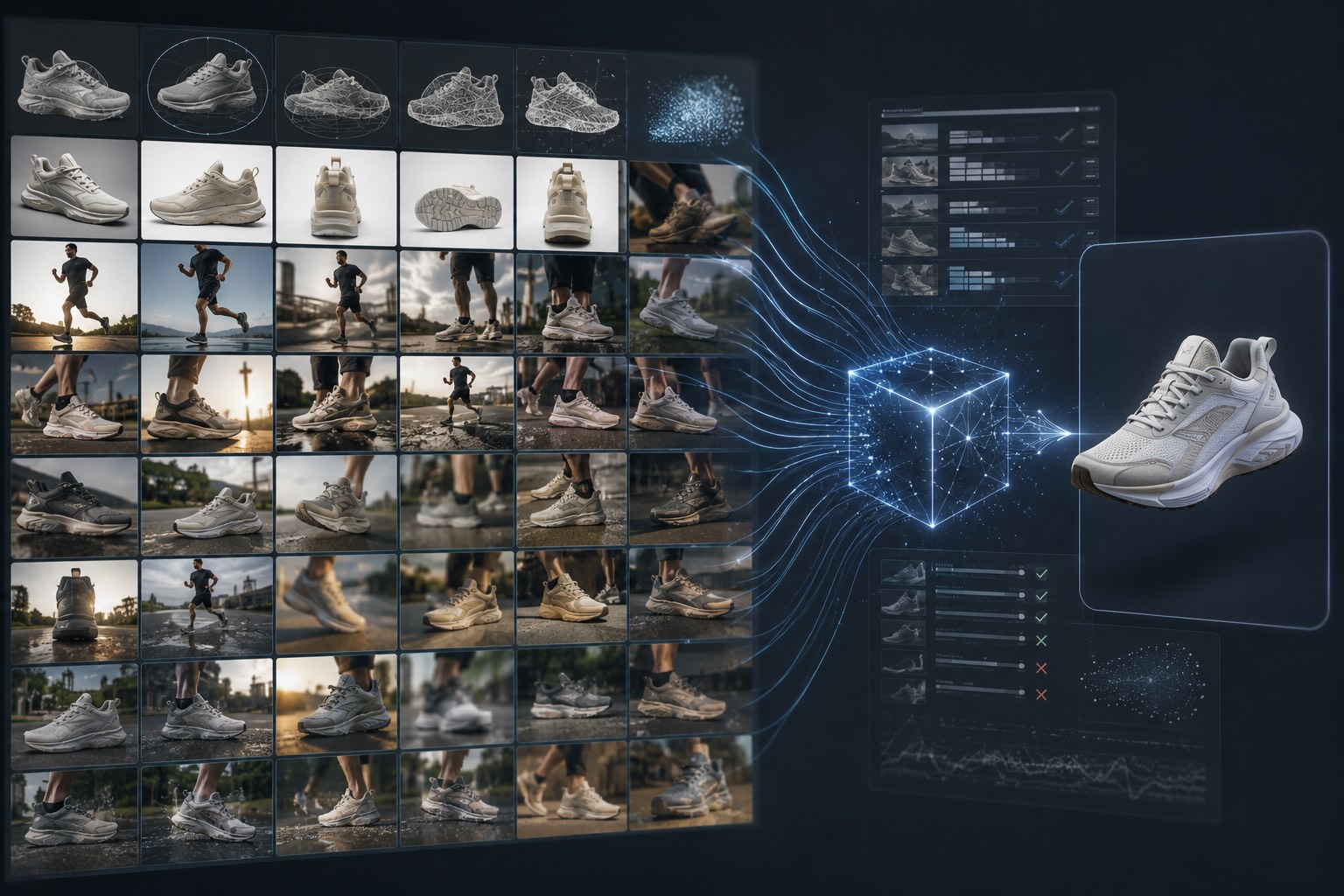
It’s always better to provide too much material than too little. Different tasks require different data. If we need to generate an extreme wide shot where the sneaker is just a detail in the background, having reference photos of how that shoe looks in real life from a distance is incredibly helpful for building our style map and getting the visuals right.
In short: gather everything, define the visual rules, and tell your team exactly what they are looking at. That’s how you get consistency.
Building a consistent AI video pipeline isn't just about writing good text prompts—it takes a deep understanding of design, cinematography, and constant trial and error. If you want to skip the guesswork and work with a production team that knows exactly how to translate your references into high-end, brand-consistent content, let's talk.
Explore our AI Video Solutions to see how we can elevate your next campaign. Want to see exactly how we apply these reference techniques and overcome AI limitations in the real world? Dive into our behind-the-scenes process here: View the 8-Bit Gummy Brand Case Study.