AI
6 Real Business Cases of AI Video with Kling AI for Retail, Real Estate, and Startups
Replacing CGI with Realistic AI Video

Sergey
December 24, 2025
In this article, we’re breaking down a massive update to the AI video Kling platform. It has evolved beyond simply generating AI video from image or text from scratch. Now, it can handle tasks that previously required expensive computer graphics teams and high-end AI video production.
Essentially, this update disrupts traditional CGI workflows. It puts professions like cleanup artists and 3D modelers at risk, while pushing complex technical processes—like rotoscoping, tracking, texturing, and lighting setups—into the background. What used to be complicated, expensive, and time-consuming can now be done by powerful AI video software in minutes.
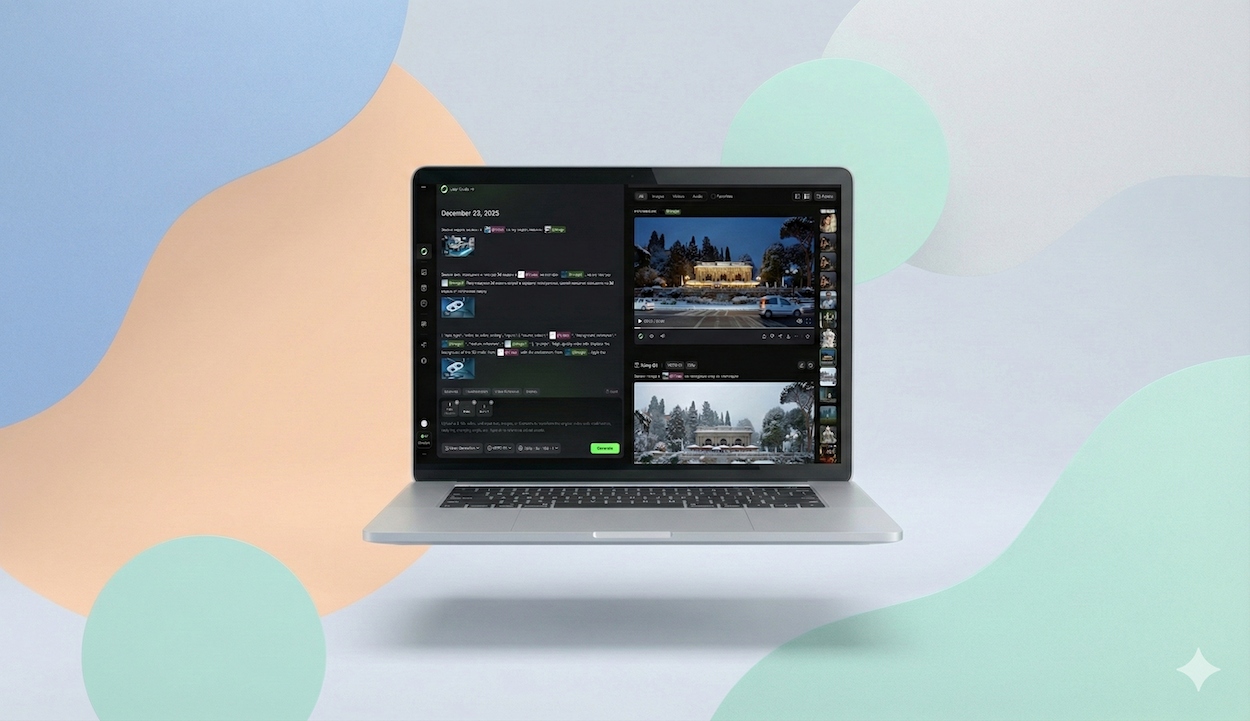
The new Kling AI 1.0 interface allows you to create AI video from text by describing your desired result in simple human language (no complex JSON prompts required). The system delivers professional-quality video, positioning itself as a strong competitor to the upcoming AI video generator Sora, but available for use today.
Our agency team has already tested this AI video creation tool and integrated it into several commercial projects. Below, we break down specific use cases showing how this can benefit both small businesses and large enterprises.
For whom: Bars, restaurants, retail stores, brick-and-mortar locations looking for effective small business promotional videos.
The Situation: You have high-quality professional footage of your café shot in the summer. But now it’s winter, you’ve changed your signage, or you want to run a promo for holiday discounts. Hiring a videographer for a single shot costs: $150 - $250
Original video (we took all the videos from the stock platform Artlist)
The Solution: We upload the summer video into Kling AI and write a prompt: “Change the weather to overcast winter with snowfall.”
Minutes later, we have a ready-to-use shot: a cozy winter café during the day.
Leveling Up: We took it a step further. We grabbed a reference photo of specific holiday lights from a manufacturer's website, uploaded the summer video, and asked the AI to:
The Result: Flawless. The AI created an evening winter scene featuring the actual lights used by the business.
Savings: A basic subscription costs ~$10/month vs. $250+ for a videographer’s call-out fee.
Pro Tip: To prevent AI glitches, use clear reference images. If you need specific lighting or decor, use a photo of the item on a black or monochrome background, rather than a photo of another café with tons of visual noise. The cleaner the reference, the better the result.
For whom: Developers, real estate agents, furniture manufacturers, flooring and door companies.
The Situation: The building is under construction; you only have a "concrete shell." You need to show the client what life looks like in this apartment, but you want to avoid expensive 3D rendering studios to create an AI video realistic result.
Original video:
The Solution: We took a video of people discussing renovations in an empty concrete room. We took a screenshot of a specific green wall color and a close-up photo of parquet flooring. We asked the AI to "paint the walls and install this parquet."
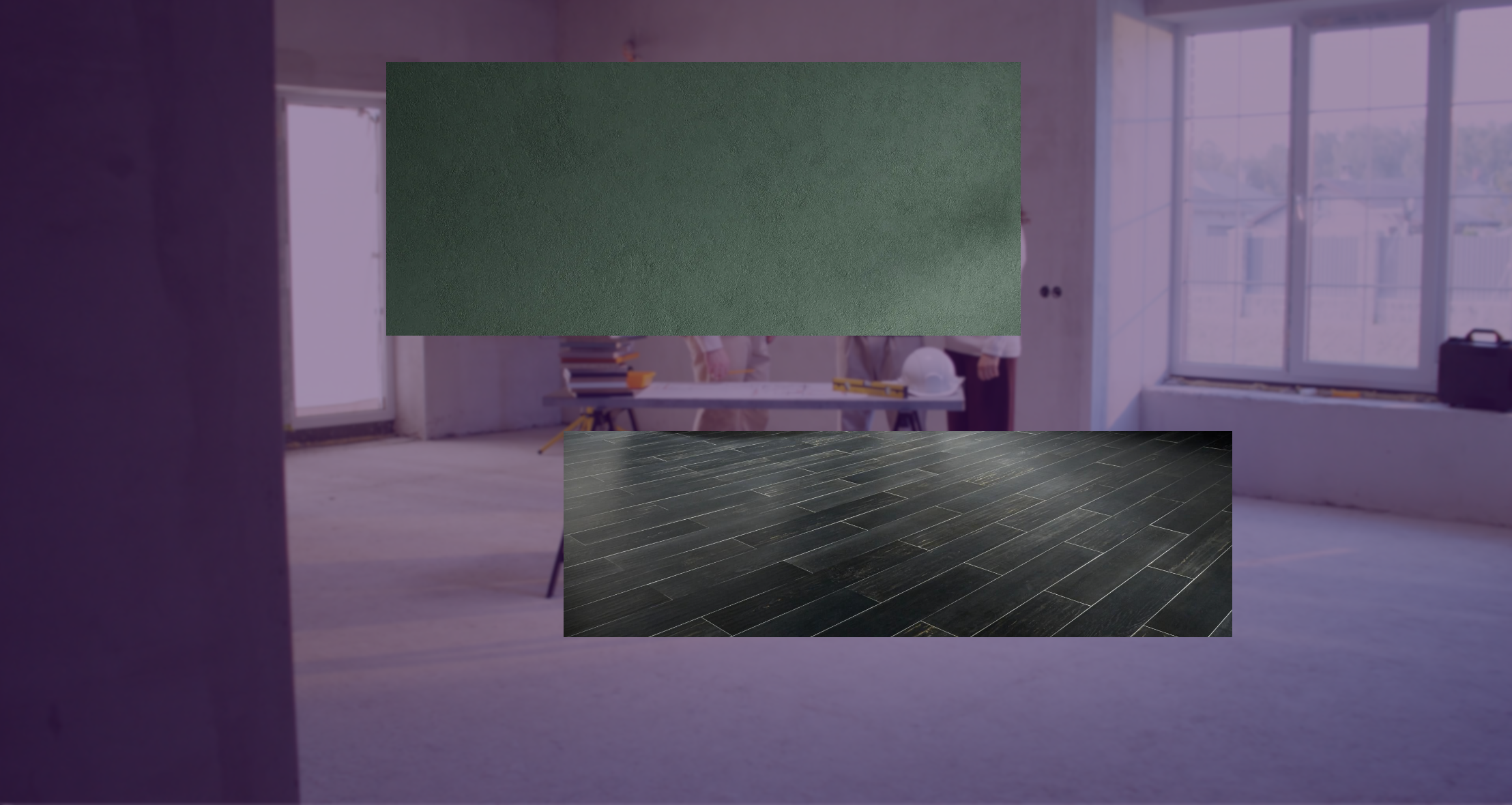
The Result: It handled it beautifully. The AI perfectly mapped the light and shadows onto the new wall color and the texture of the flooring.
Application: If you manufacture sofas, take a high-quality stock video of a family in a living room and ask the AI to replace their sofa with yours. The viewer won’t spot the difference. While AI still struggles to generate humans from scratch without errors, it excels at integrating elements into existing, high-quality footage.
For whom: MedTech startups, new clinics creating AI video ads.
Situation 1 (Simple): No budget for a shoot, but you need video content with doctors.
The Solution: Take a stock shot of a doctor and ask the AI to overlay your clinic’s logo onto their uniform. It’s fast, and the tracking is perfect.
Situation 2 (Complex): You have a new clinic with a great design, but no videographer. You need to show a doctor walking through your specific interior.
Original video:
The Solution:
Pro Tip:
For whom: Businesses that have changed their signage or want to visualize a new one.
The Situation: We decided to experiment and "hang" a glowing neon sign for our agency, Lava Media, on a brick building.
Original video:
The Nuance: The source video showed a building with no obvious "anchor points"—just a wall. AI struggles to understand where to place a logo if you just say "put it at the top."
Luckily, the source footage had a single round black window. We asked: “Replace the black round window with the text Lava Media.”
The Result: Worked on the first try.
Takeaway: Look for source footage with distinct objects the AI can "latch onto," and give clear instructions on what to replace with what.
For whom: Jewelry brands, Luxury segment.
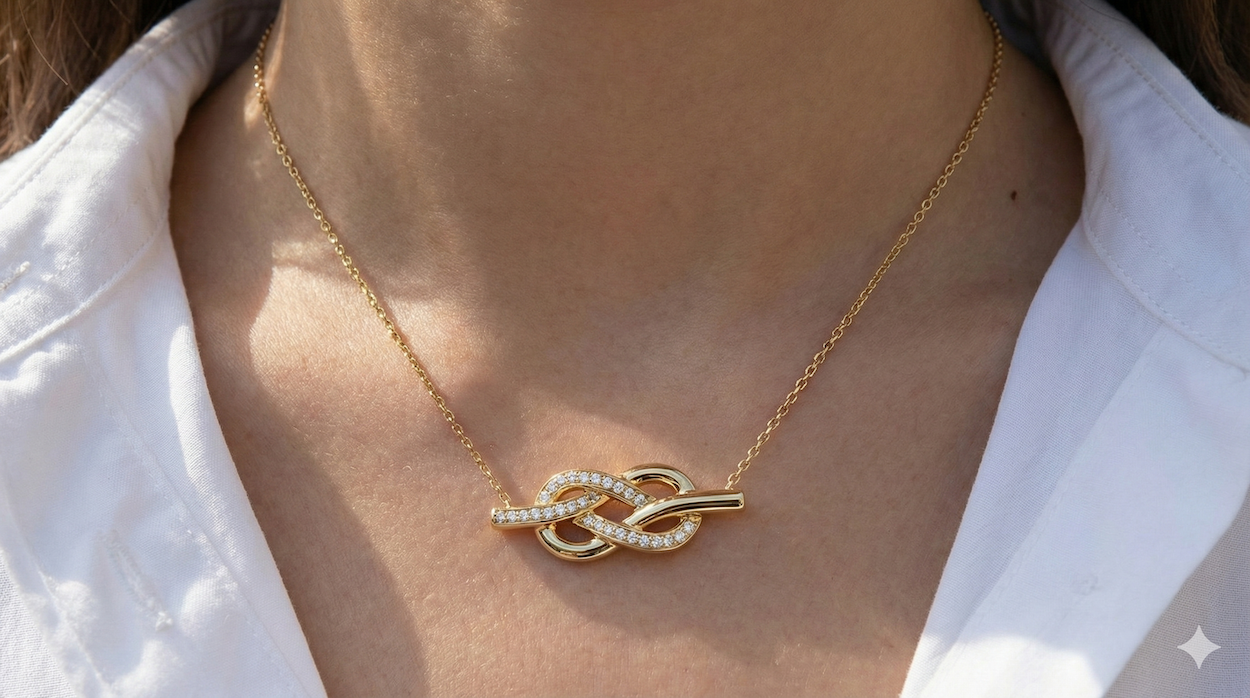
The Situation: We needed an ad for jewelry. We took a beautiful, atmospheric stock video of a model wearing a necklace and asked the AI to replace the jewelry with our design (which we previously generated in a Tiffany style).
Original video:
The Result: The model's hair fell naturally over the new necklace, and the physics were respected perfectly. It looks like high-end AI movie production rather than a cheap edit.
Limitations: On wide shots, fine details (like a diamond pavé setting) can get lost or blurred. The AI doesn't perfectly read micro-textures from a distance yet.
Advice: Use packshots or extreme close-ups to demonstrate details. For lifestyle/brand-building videos where atmosphere is key, this tool is excellent.
For whom: Tech startups, engineers, automotive industry needing a startup video.
The Situation: You only have a gray 3D CAD model from your engineers or sketches. No physical product exists.
Original video:
The Solution:
Example: We took a photo of a futuristic concept car and a video of engineers looking at a car mockup. We asked the AI to replace the mockup with our concept to create a compelling video for startup pitches.
The WOW Factor: It wasn't just a simple 2D overlay. The model reflected the neon light from the table and, amazingly, reflected the faces of the people standing next to it. The AI understood the geometry of the scene, the lighting, and the shadows so deeply that it calculated reflections that weren't even in the original model.
Kling AI's new functionality is the perfect tool for businesses wanting "high-budget" results without hiring film crews or paying for expensive AI video production.
You can take high-quality stock video (which already has actors, lighting, and direction) and seamlessly integrate your product into it: whether it’s a sofa, a sign, jewelry, or a device prototype. This saves thousands of dollars and weeks of work.
While tools like Kling AI are revolutionizing the industry, achieving broadcast-quality results still requires a deep understanding of prompt engineering, composition, and post-production.
If you want professional results without the steep learning curve, Lava Media is here to help. We combine creativity with cutting-edge technology to produce high-end AI video ads that drive conversions for your business.
👉 Explore our AI Video Production Services
Want to dive deeper into other AI tools? Don't miss our latest experiments and guides: