AI
How to Write Effective Prompts for AI Video Generation
Studio Secrets
David
April 28, 2026
If you are looking for "magic words" to instantly generate blockbuster-quality footage, we have to break it to you: they don’t exist. Every project is strictly individual. However, knowing how to write effective prompts for ai video generation is what separates raw, unusable AI glitches from cinematic, commercial-ready video.
At Lava Media, we generate countless hours of AI content for our clients. We sat down with David, our Art Director, to look under the hood of our production process. Here are the real studio secrets on how to write prompts for ai video generator tools, straight from the people who do it every day.
There are no universal magic words, but there are powerful framing techniques. One of the best ways to guide a model is to assign it a specific role.
For example, add instructions like "Act as a screenwriter" or "Act as a cinematographer." If you need a comedic moment in your video, you cannot just type "make it funny." You must force the tool into a professional comedic structure. You need to explicitly prompt the AI to use professional comedic timing, specific pauses, and correct character interactions so that the visual punchline actually lands.

If there is one thing you must not do, it is using words with double meanings. AI models hate ambiguity.
Imagine prompting: "The students overlooked the lecture." A human might understand from the context whether the students were looking down at a lecture hall from a balcony, or if they completely missed and ignored the lecture. The AI, however, will get confused.
When you are writing technical specifications or generating a prompt, duality is your enemy. There must be one clear, unambiguous truth. If the AI has to guess the context, your generation will fail.
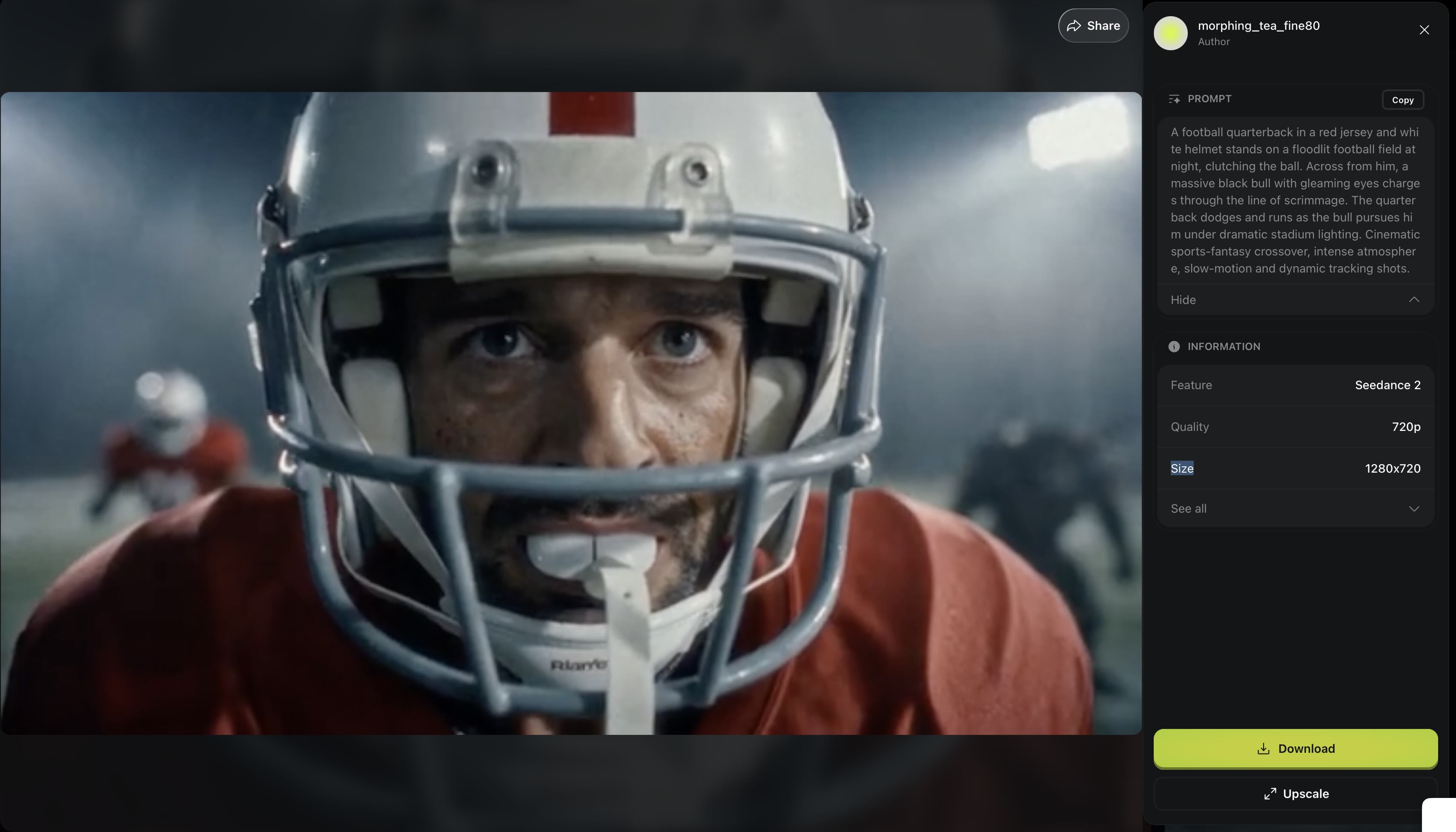
The landscape of models changes constantly. What works today might be obsolete tomorrow. If you are wondering what is the most realistic AI video generator in 2026, here is what we see in the trenches:
People ask us what prompts we use to avoid weird artifacts. The truth? Video generation is still super random. You can write a perfect prompt and get a terrible result, and sometimes a poorly written prompt yields gold.
There are absolute bizarre moments on almost every project. In one of our recent commercial projects, we were generating a train fight scene. The prompt dictated that the protagonists fight the antagonists. Instead, the antagonists walked up to the main characters, perfectly acted out pure aggression towards them—and then suddenly turned around and started violently beating each other up.
But here is the studio secret: we didn't throw the clip away. We salvaged the first part of the shot (the aggressive approach before the AI "broke") and successfully used it in the final edit.
How do you keep a character looking the same across different scenes? Whether it's a photorealistic human or a highly stylized asset—like when we were creating 8-bit animated characters for a gummy brand—it requires massive pre-production work.
You cannot fix consistency in the video model; you must fix it before you generate video. You need to build a massive reference base for your character. We generate the character from every possible angle. If they have a tattoo, that tattoo must be visible and consistent across all reference shots, along with their emotional states and clothing.
Even top-tier industry projects with extreme quality control struggle with artifacts. There is no magic button to solve this. However, a great hack is using ChatGPT (DALL-E). ChatGPT is actually incredibly good at holding character consistency and generating the visual "specs" and image references. By using these consistent AI-generated images as your base references, you can better hold your character across video scenes.

We often say that a successful prompt is only 20% of the success. So what happens next?
In reality, we put maximum effort into the pre-production image stage to avoid heavy post-production on the video. Why? Because the pixel density of AI-generated video is often not high enough for traditional post-production tracking. While adding heavy elements or deep editing in After Effects isn't always viable for raw generations, a hybrid approach combining AI video production and 3D motion graphics is sometimes the only way to achieve commercial perfection. (Though Kling’s new native 4K resolution is starting to make traditional tracking easier).
Therefore, prompting is a chain, not a single step.
You need prompts for the script, prompts for the base images, and prompts for the video. A lot of "mini post-production" actually happens on the static image level before video generation even begins.
If a generated video has a defect, we don't just take it into After Effects. Instead, we take the good generated frame and run it back through the AI model’s editor mode (inpainting), attaching intermediate reference frames to show the AI exactly how the fixed detail should look.
Anyone can generate a batch of random AI clips—what we call "neuro-splices." But there is a huge difference between generating clips and making a video people actually want to watch.
This is where human artistry comes in. The overall composition, the timing, the visual accents, the dramaturgy, and the pace dictated by the music—these are fundamental rules of film editing and directing. Without them, you just have a disjointed slideshow of AI artifacts.
Don't let raw AI ruin your brand's story. It takes a professional team to turn AI generations into a cinematic masterpiece. Leave the heavy lifting, prompting, and directing to the experts at our AI video production agency to get commercial-ready results.