SaaS Explainer Video Production: Custom Animated Explainer Video for B2B Sales
Startup explainer video
Services
2D animation
Marketing Goal
Product launch
Target Audience
YouTube Bloggers
Project Timeline
7 Weeks

Project Overview
We created this product launch video for our internal influencer marketing division. We were the first in the market to build an automated online service for YouTube creators—essentially a beautiful digital media kit featuring channel statistics and pricing for various ad integration formats.
The Challenge
The target audience for this service was the YouTubers themselves. It was crucial for us to advertise the platform and highlight its usability specifically to them. We chose saas explainer video as our primary presentation tool—it replaced the classic PDF deck in direct messages with bloggers and lived on the homepage of our website.
We needed to create a startup explainer video that explained—simply and clearly—why a blogger needs our service and showed just how easy the signup process is. Most importantly, we had to use this animated explainer video to overcome the biggest barrier to entry: getting creators to grant API access to their channel statistics (which our service would then pull to generate that beautiful infographic link they could send to clients).
As you can imagine, anyone creating an animated explainer video for B2B sales—or really any animated video for B2B marketing—always faces these exact challenges.
Project Execution
The Concept
Given the task, we had to decide on two things:
- The visual style.
- The format of the presentation.
The easiest path would have been to go into our studio, sit in front of a camera, and talk about the service, adding some motion graphics for emphasis and a screencast to show the workflow - just like any software demo video agency would do.
But that felt boring—both for us and for the creators. So, we challenged ourselves and decided to produce a 2D animated software demo video using shape-based animation.
It was crucial for us not only to deliver a high-converting best SaaS explainer video, but also to build a standout case study for our tech video production portfolio.
The Execution: Our SaaS Explainer Video Production Process
Usually, an explainer video for a startup in this niche relies on redrawing the interface and animating it dynamically, perhaps adding generic characters with a secondary role. We decided to take a different approach:
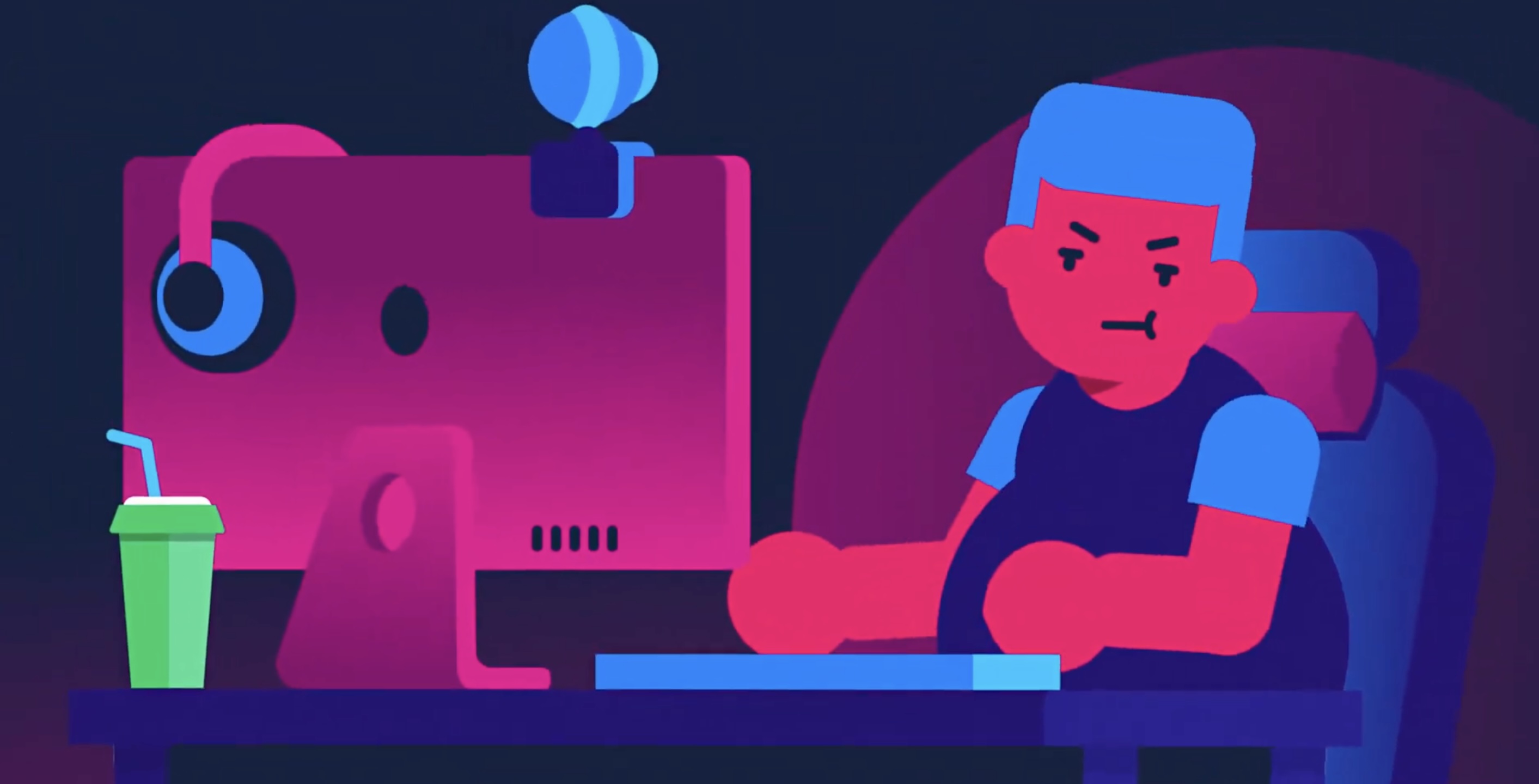
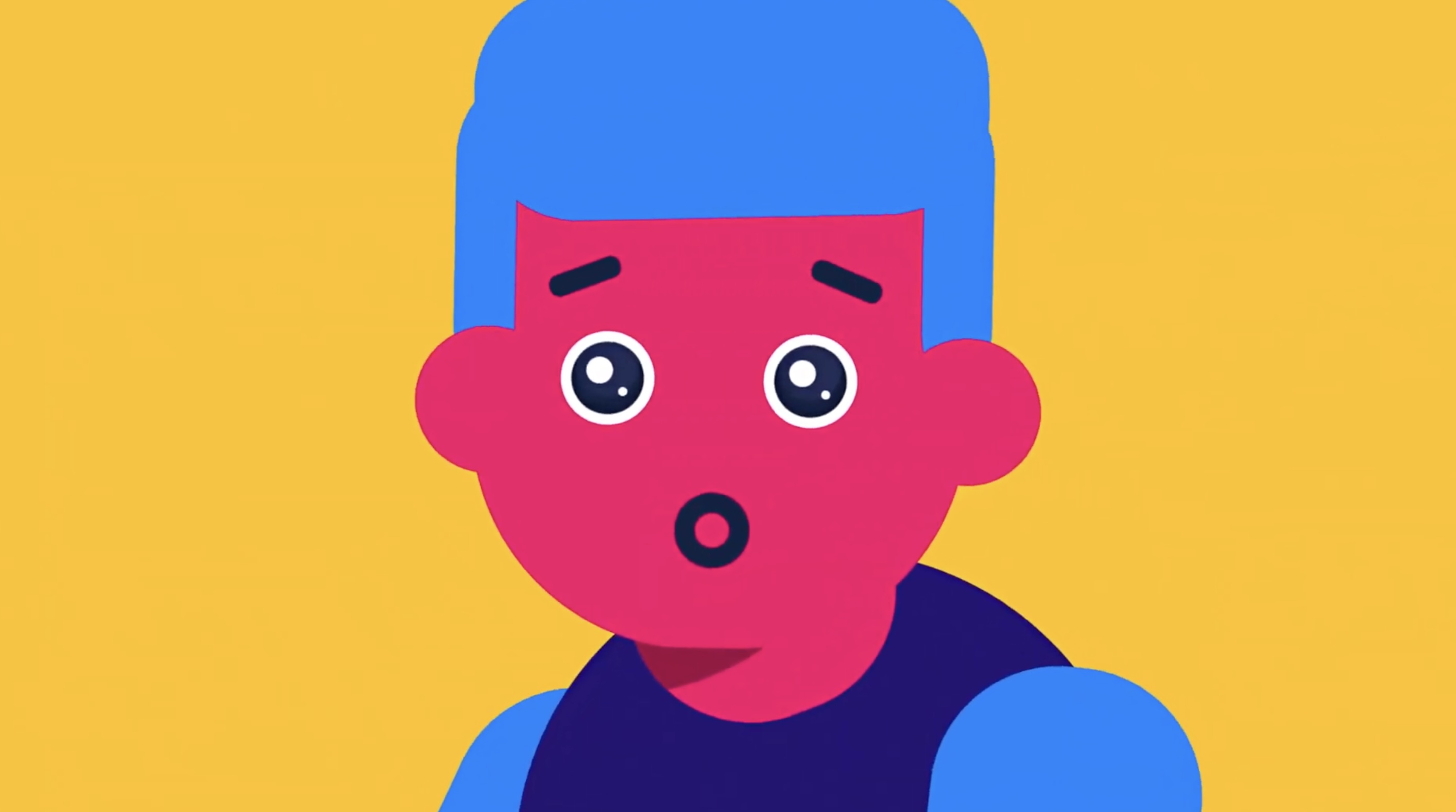
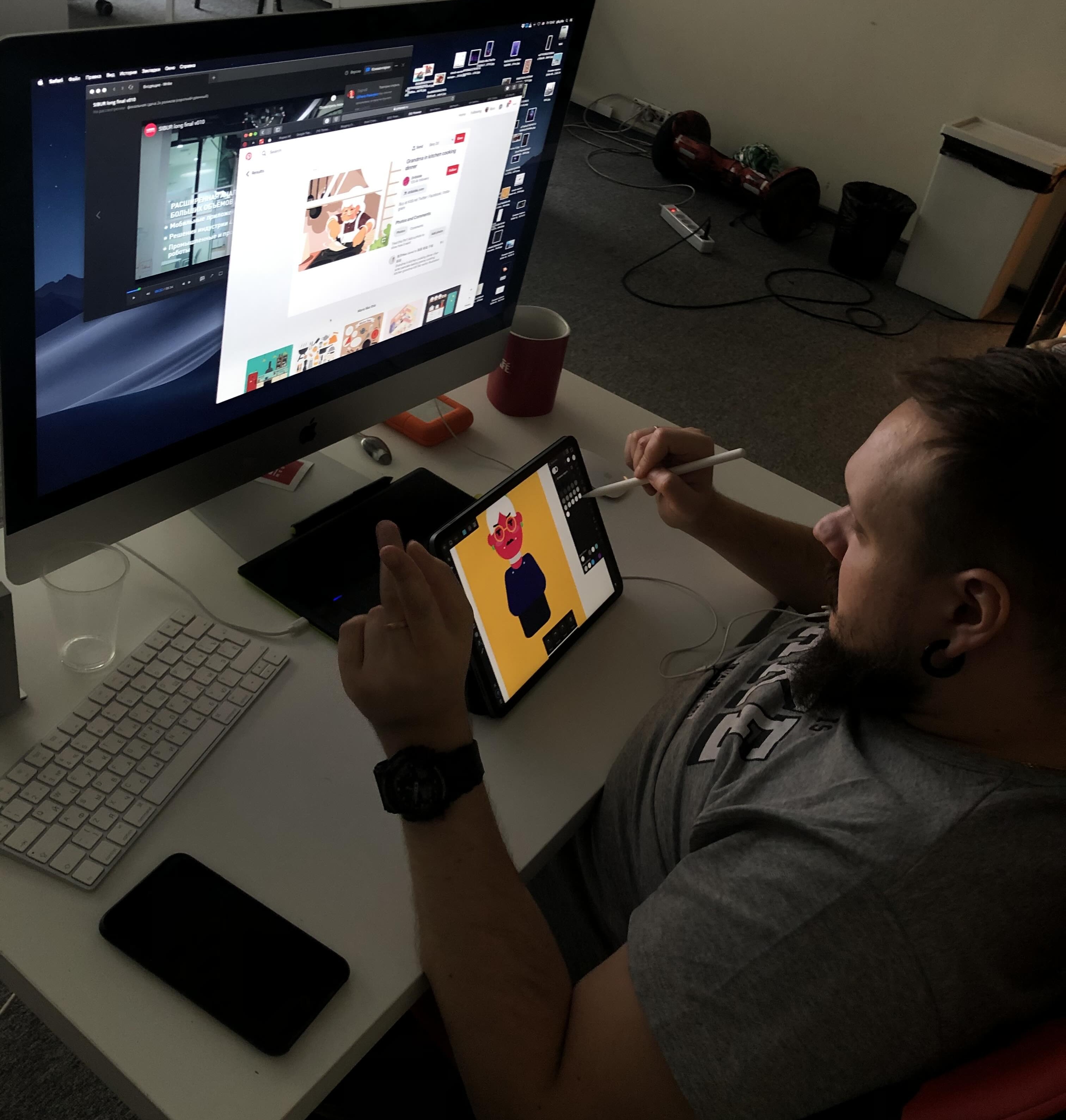
- Character Design: We designed two main characters: the Blogger and the Ad Agency Representative. This allowed us to embed small "inside jokes" and easter eggs relevant to the industry.
- Stylized UI: Our saas explainer video creators redrew the service interface, but not 1-to-1. We stylized it to fit the video’s "universe"—slightly blocky and rectangular, matching the shape animation style. This ensured the video felt like a cohesive world, while the brand identity was maintained through a consistent color palette.
Custom vs. Stock
Often, production teams assemble these types of videos using stock materials: they find ready-made characters and icon collections, paint in a background, and stitch it all together.
Our saas explainer video production team took the harder road:
- Zero Stock Assets: Every character was drawn from scratch.
- Detail-Oriented: The startup explainer video is packed with elements you simply can't find on stock sites, all designed to fit our specific narrative. Even the icons in the first second were hand-crafted. It was important to hit the right color gamut and give certain icons (like the loudspeaker or the bell) volume using a small top element to create an illusion of reflection.
- Authenticity: Take the gaming chair, for example. You won't find that specific look on stock sites. We wanted to convey the atmosphere of a real creator's home, and they almost always have those specific chairs with the neck pillow.
- Complex Backgrounds: The backgrounds aren't simple flat colors. We used gradient monochrome bases with subtle additions—like a clock attached to the wall in the ad agency office—to give the image a new level of depth.
- Real Dynamics: We created a very dynamic product launch video, but the energy isn't "fake" (achieved through rapid zooms and jump cuts). Instead, it comes from complex composition. Every 3 seconds, we introduced new effects: emails filling the screen, a character's emotion changing simultaneously with the background, or a shadow of another character appearing behind the agent. Of course, we maintained balance and slowed the pace when necessary. The result is a video that viewers watch in one breath, driven by diverse effects executed in a single rhythm and style.
- Sound Design: We didn't overload the audio. We used a light track where the rhythm is built on a singer's whistle, then added specific SFX for clicks, transitions, and the appearance/disappearance of elements.
Results
The Results
The metrics for the video were impressive:
- View-Through Rate (VTR): Over 90% completion rate on the landing page.
- Conversion Rate: Over 65% of the creators we communicated with went on to register for the service.
It’s excellent proof of video marketing effectiveness for SaaS growth.
If you need an animated explainer that converts like this, our saas explainer video production team would be happy to help.

Budget & Timeline Breakdown
Since this was an internal project, we treated it exactly like a client commission to track resources accurately. Transparency is key in production, so here is a line-by-line breakdown of the specialists involved, the time required, and the investment for this 2D animated explainer.
1. Art Direction
- Role: Defining the visual direction, mood, and key scenes. This stage also finalized the script and the voiceover text.
- Time: 7 business days
- Investment: $800
2. Concept Art & Character Design
- Role: Creating the static scenes, character designs, and environments. This resulted in 4 unique main locations and 4 distinct characters.
- Time: 7 business days
- Investment: $2,500
3. UI Stylization & Asset Creation
- Role: This illustrator focused specifically on the SaaS elements—redrawing the interface to match the animation style, creating custom icons, and designing UI elements like chat bubbles.
- Time: 10 business days (Ran parallel to Step 2)
- Investment: $2,800
4. Motion Design
- Role: Animating every movement of every element. There is a lot of "micro-animation" here that you might miss on the first watch (e.g., the shadow animation at 0:06 or the typing dots in the dialogue window at 0:10).
- Time: 15 business days (Ran parallel to Step 2 & 3)
- Investment: $3,500
5. Voice Talent
- Role: Casting a professional voice actor with the specific character and timbre to match the brand's tone.
- Time: 2 business days
- Investment: $170
6. Compositing & Editing
- Role: While the animator handles specific elements, the editor assembles the full flow. This required an editor with strong motion graphics skills to handle the seamless transitions—for example, the "scroll up" transition from 0:01 to 0:03, or the transition via email icons from 0:06 to 0:08. They synced scenes and frames to the recorded voiceover.
- Time: 5 business days
- Investment: $1,900
7. Sound Design & Mixing
- Role: Adding custom SFX (clicks, swooshes) and mixing the voiceover, music, and effects to a broadcast-standard volume level.
- Time: 5 business days
- Investment: $350
Total Project Investment: $12,020
Total Production Timeline: ~7 Weeks (34 Business Days)