AI
AI Video: How to Master Pro Prompting with Higgsfield
Tool that lets you look under the hood of ai viral projects

Sergey
January 7, 2026
Today, we are going to talk about a unique video generation tool called Higgsfield.
Higgsfield is essentially a powerful layer built on top of various generation models. For video, it utilizes models like VEO 3—we previously covered how to control these models in our guide on 7 prompts for AI-powered videos in Veo and Runway—and Kling AI (you can read about 6 real-world business cases with Kling AI here). For images, it leverages models like NANA, Banana, etc.
It serves as a comprehensive interface that helps creators build much more complex video projects with intricate storytelling, allowing for consistency in characters and locations.
But here is the most interesting part—especially if you are just starting your path in AI video and are curious about examples—like those in our list of the 12 best AI-generated videos—prompts, and how high-end content is actually created.
Higgsfield has introduced a cool feature: the ability to explore the best creative projects made by authors on the platform.
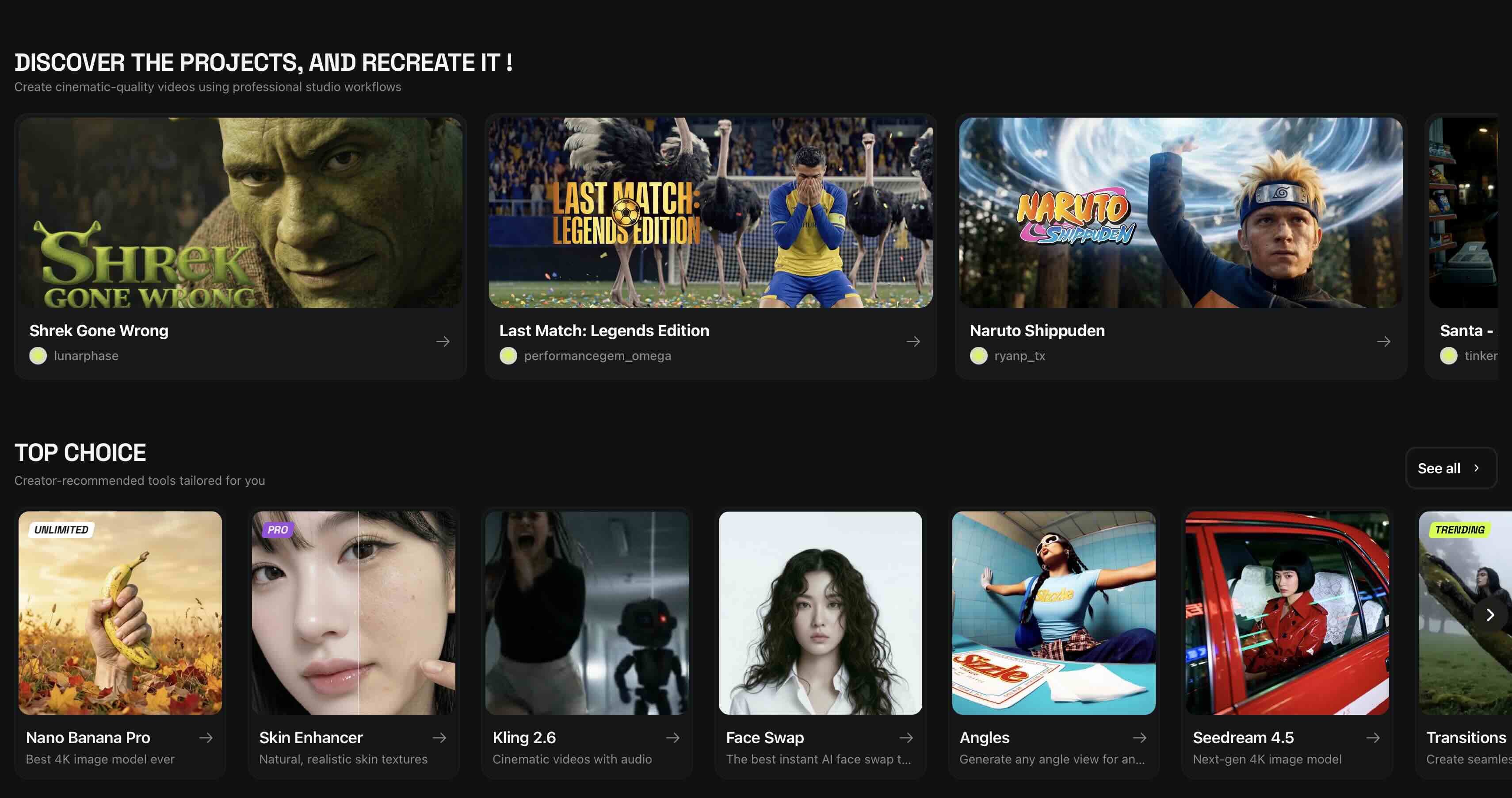
If you scroll down on the main page, you will find the "Discover the Projects and Recreated" block. These are complex, 60-to-90-second videos created from a multitude of AI shots.
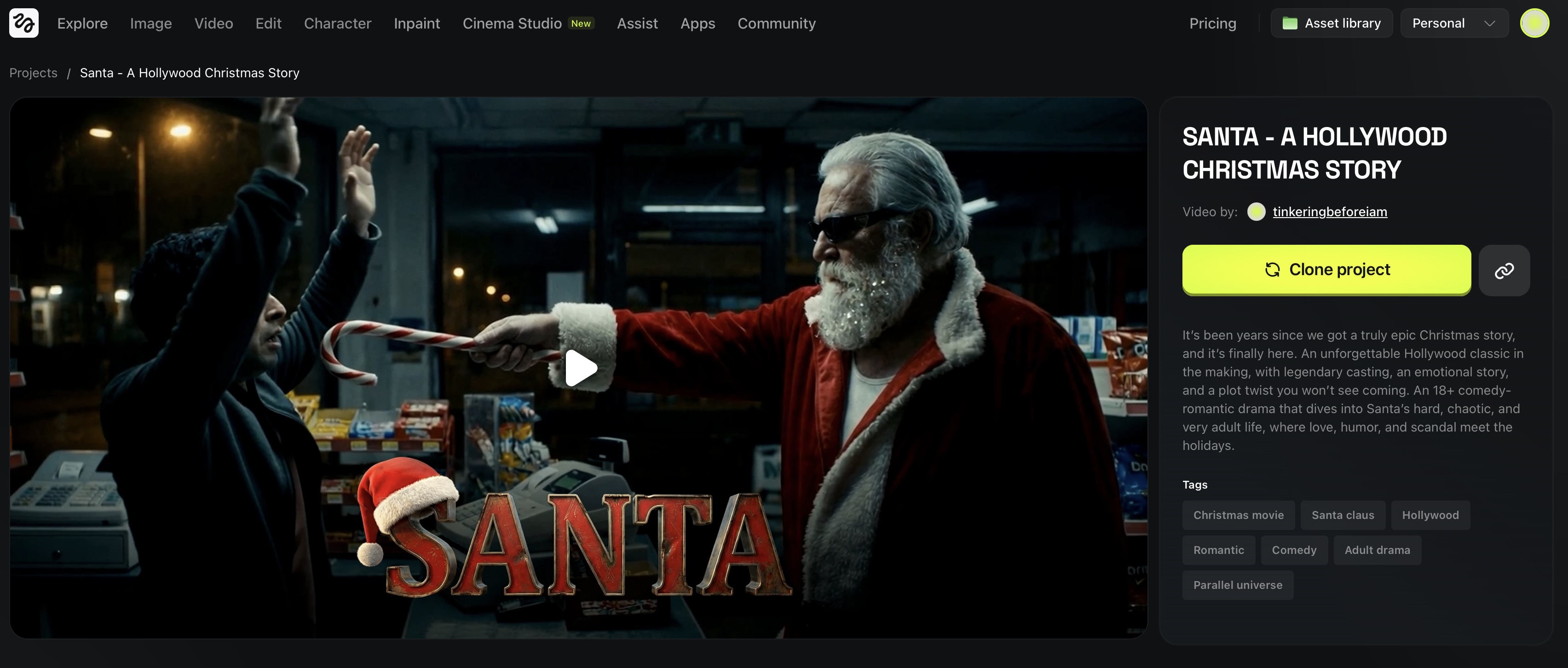
For example, take a look at this Santa Claus video we are attaching to this article. When you watch it, it looks classy and cinematic—as if it were actually filmed. You naturally ask yourself: "How on earth was this made?"
With Higgsfield, you can literally dive inside the project. Once you register and enter the project page, you simply click the "Clone the Project" button.
This opens up the entire backend of the video. You can see:
You can analyze the project scene by scene, frame by frame. We have already done this analysis, and here are several key recommendations we found for creating video that looks like real cinema.
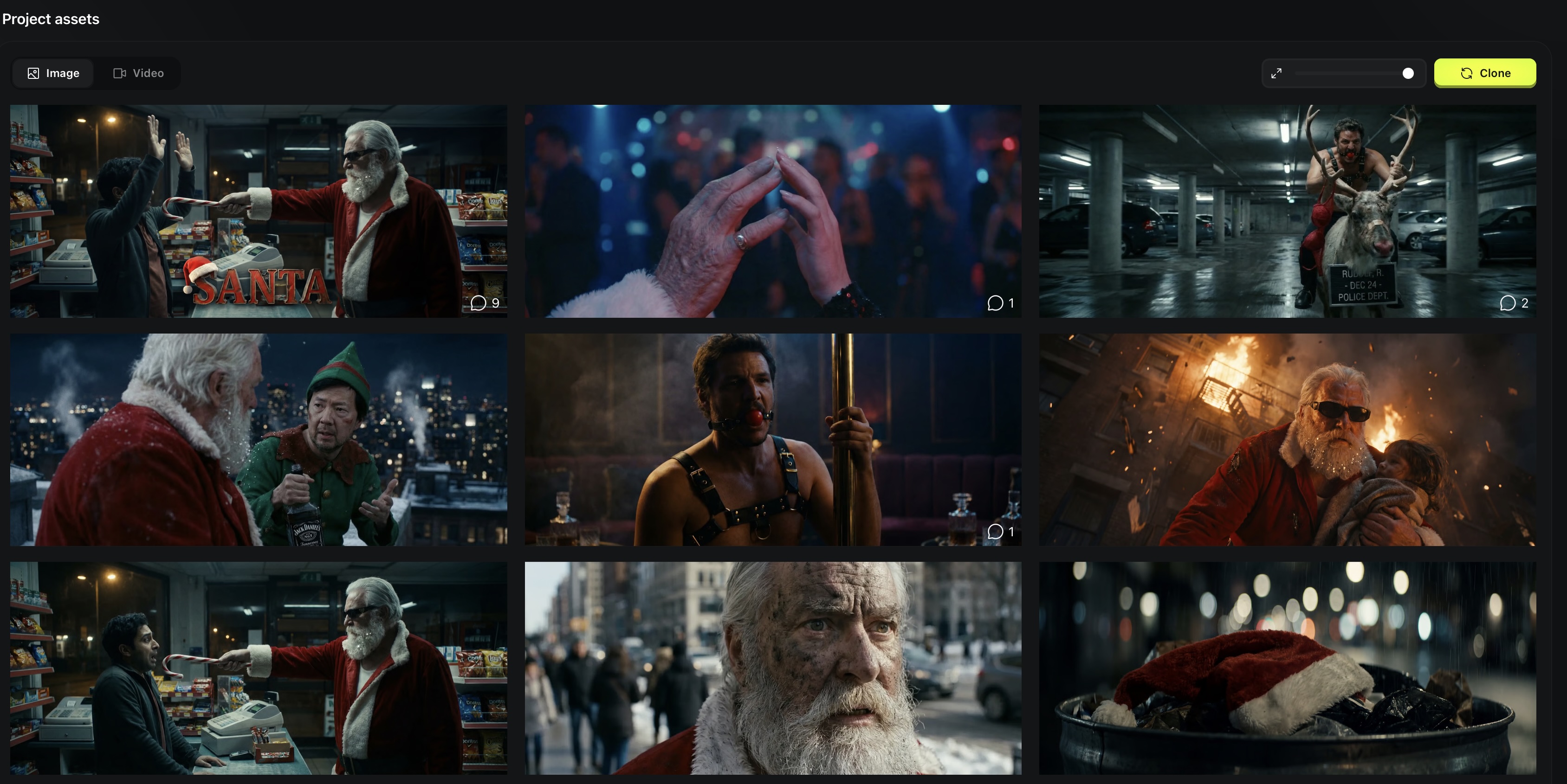
Professional prompt engineers almost never generate a video directly from text. They always generate static frames first.
Higgsfield has a specific subsection called Cinema Studio. It allows you to generate frames with true cinematic quality. The majority of creators making complex products on this platform use this specific tool to generate their base static images.


The workflow changes depending on the complexity of the scene:
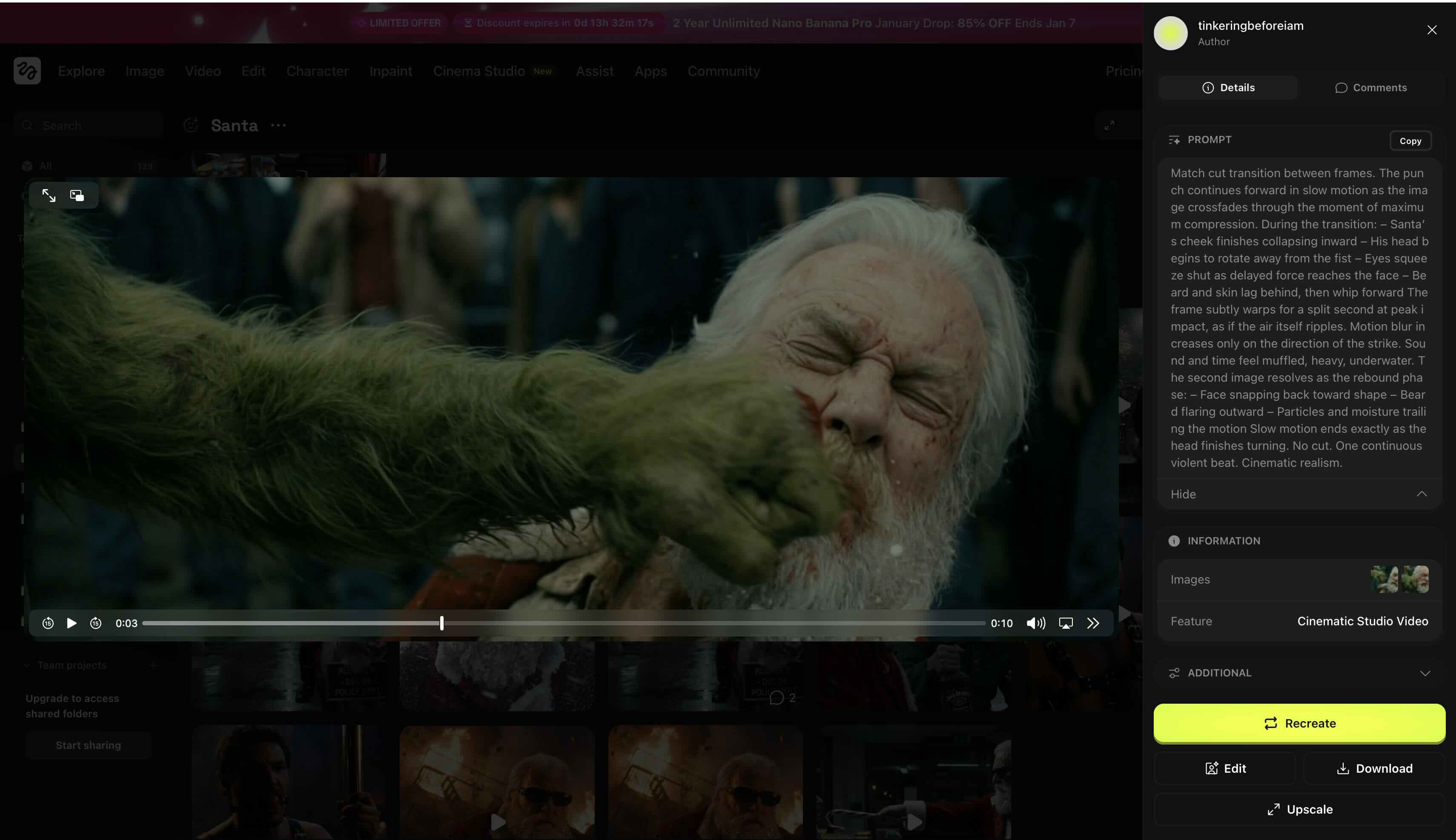
Match cut transition between frames.

The punch continues forward in slow motion as the image crossfades through the moment of maximum compression.

During the transition:
– Santa’s cheek finishes collapsing inward
– His head begins to rotate away from the fist
– Eyes squeeze shut as delayed force reaches the face
– Beard and skin lag behind, then whip forward

The frame subtly warps for a split second at peak impact, as if the air itself ripples.

Motion blur increases only on the direction of the strike.

Sound and time feel muffled, heavy, underwater.

The second image resolves as the rebound phase:
– Face snapping back toward shape
– Beard flaring outward
– Particles and moisture trailing the motion

Slow motion ends exactly as the head finishes turning.

No cut. One continuous violent beat. Cinematic realism. For those complex scenes, the prompt dictates many factors. It’s not just "they fight." The prompt specifies:
It is about finding a balance. If you have a cup of coffee on a table with steam rising, that is an easy shot—you don’t need to obsess over details if the static frame is good. But if that cup falls, breaks, and a cat jumps away from it—that is a complex story that requires two reference frames and a carefully thought-out prompt.
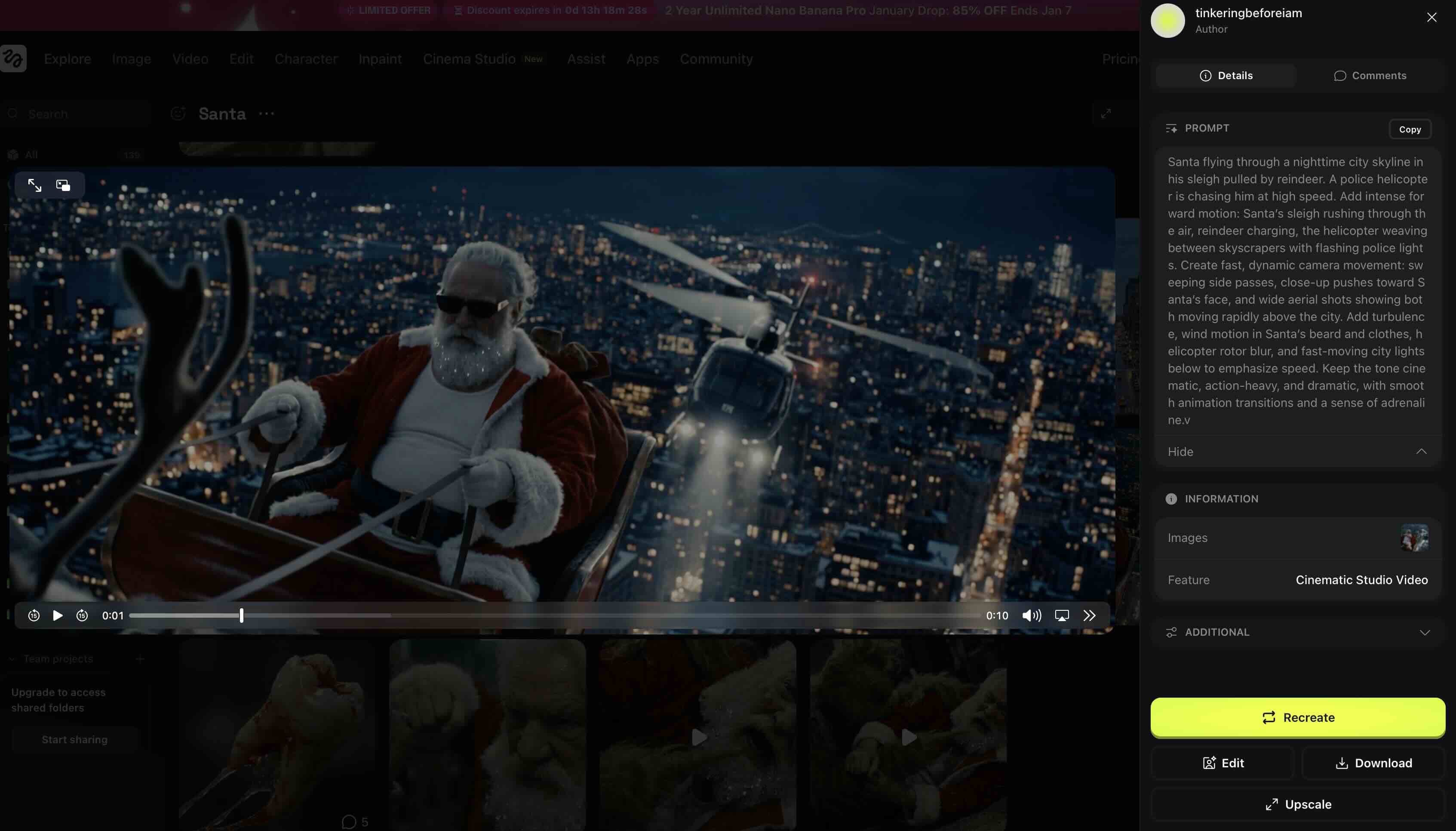
The coolest thing about this feature is the ability to copy any video frame into your own project and tweak it. You can change the prompt slightly or tell the neural network what specific detail you want to alter.
If you have no experience and want to learn how AI video works, this is an excellent strategy. You aren't starting from scratch; you are learning directly from finished, high-quality projects, seeing exactly how they were built from the inside out.
Ready to create high-end content?
If you need professional assistance in executing complex projects, explore our AI Video Production Services.
For more insights and updates, follow Lava Media on LinkedIn.