AI
How to Create a Training Video Using AI
A Guide for Corporate Brands

Sergey
May 5, 2026
In an era of rapid change, corporate training is no longer just a check-the-box formality. Today, brands need training materials that are not only quick to produce but actually work: they engage employees, solve business challenges, and meet strict accessibility standards. If you are wondering how to create a training video using ai that actually resonates with your team, you need more than just a software subscription. You need a solid strategy to ensure the final product doesn't feel robotic or disconnected from your brand.
Artificial Intelligence (AI) has revolutionized corporate video production. If you want to see firsthand how cutting-edge technologies are transforming content, check out our dedicated AI Video Production page. But remember: the secret to a successful training course isn't just blindly using neural networks; it's the synergy of innovation and proven methodology.
At Lava Media, we know that quality corporate training goes far beyond simply hitting "record." In this guide, we’ll show you how to create an effective video course using AI, grounded in the fundamental ADDIE instructional design model and principles of cognitive psychology.
Before you start generating avatars or synthesizing voices, you need to understand how adults learn. Andragogy (adult learning theory) sets the rules: adult learners want to see immediate practical value, they aren't interested in abstract lectures, and they rely heavily on their past experiences.
That’s why we always start the content creation process with a solid foundation, where AI acts as your smart assistant.
Video creation starts with identifying the problem. Who are we training? What are their pain points and fears regarding new processes?

A fatal flaw many brands make is starting course creation by writing a video script. At Lava Media, we strongly recommend using Backward Design: start at the finish line.

This is where AI magic saves corporate brands thousands of dollars and weeks of production time. But for the video to be effective, it must follow proven principles.
1. Learning from Mistakes (Demonstrating Anti-Cases)
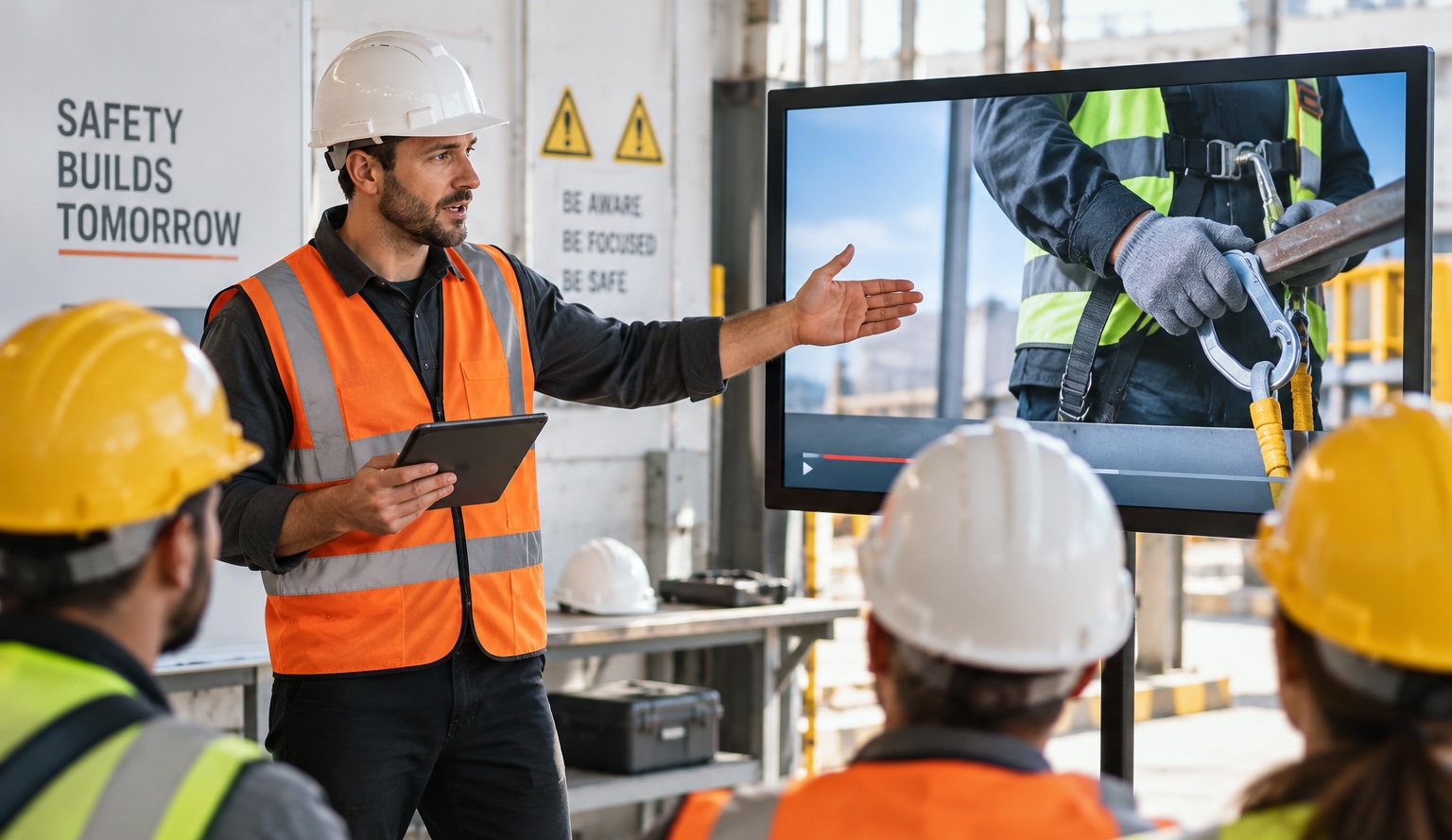
It’s not enough to show adults the "happy path." Videos must visually demonstrate incorrect approaches and their consequences (this is especially critical in safety or customer service training).
2. Chunking Information (Microlearning)
Adults don't digest hour-long lectures well. Videos should be broken down into short, digestible "chunks".
3. The Multimedia Principle: Synthesizing Video and Text
Plain text or a monotone voiceover yields poor results. You need to engage both sight and hearing while keeping the content stylish and modern. As our experience with Cool videos for Mazars shows, even the most serious and complex corporate topics can (and should!) be presented in a bright, unconventional, and "cool" way to hook the viewer from the very first second.
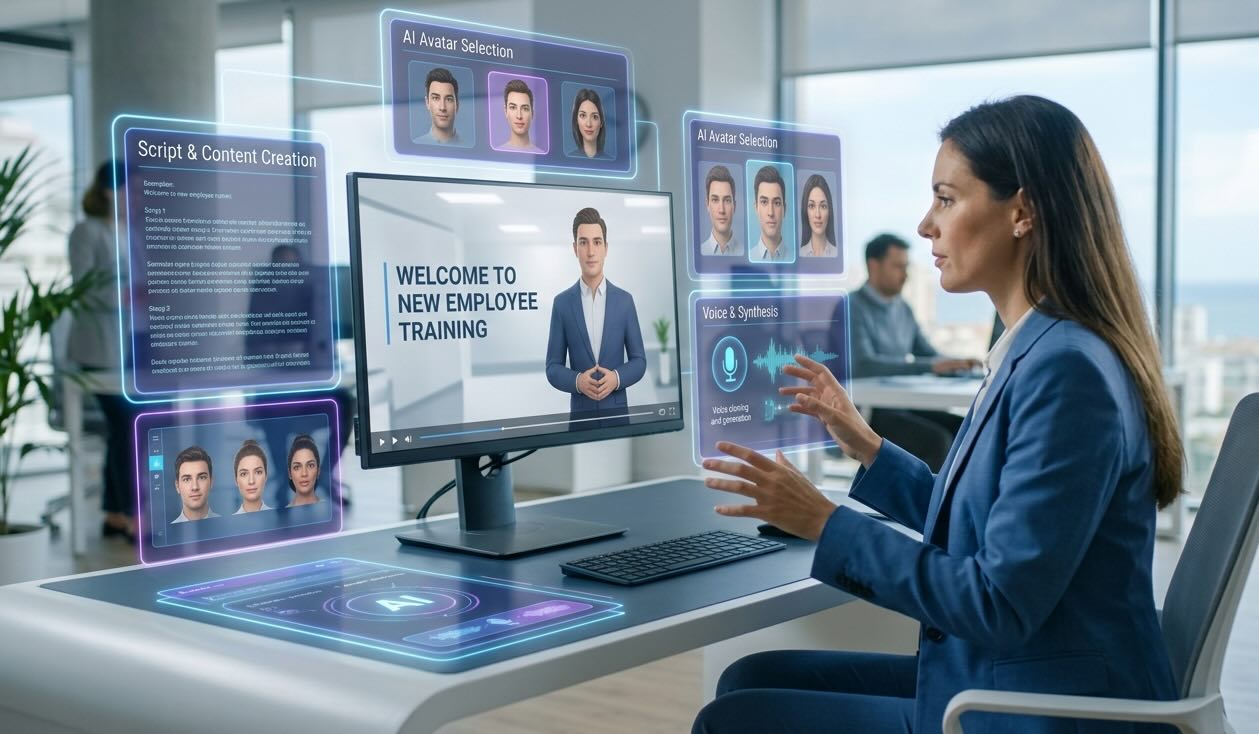
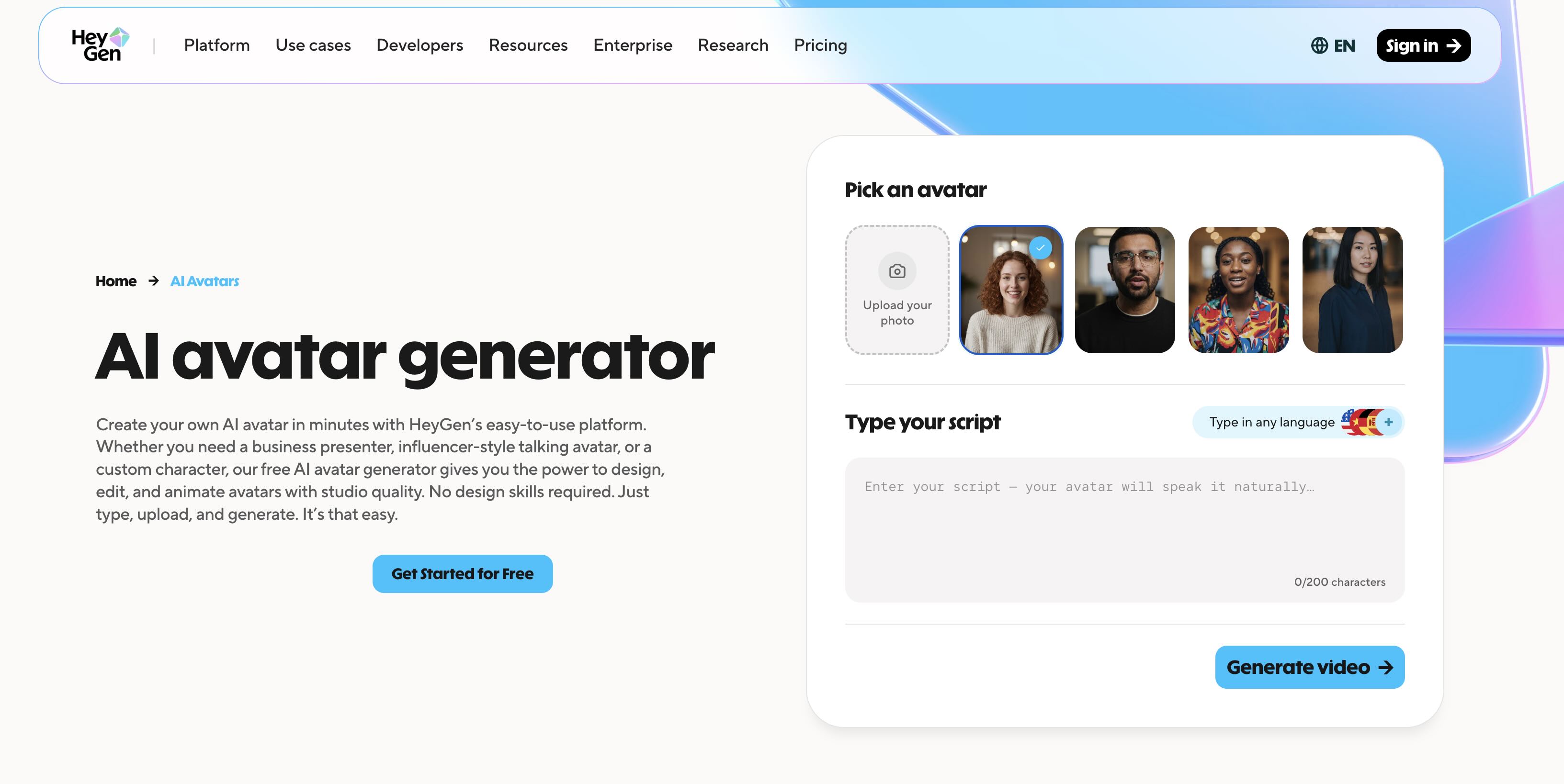
Many marketers ask us how to choose an ai avatar creator for corporate videos that doesn't look cheap or distracting. The secret lies in finding platforms that offer natural micro-expressions, diverse professional outfits, and custom voice cloning capabilities. If you are wondering which ai-powered video service has top avatars, enterprise-level platforms like Synthesia, HeyGen, and Colossyan consistently rank highest for B2B needs.
4. Inclusivity and Accessibility (Section 508 Compliance)
For major brands, Accessibility isn't optional; it's the standard. Every video must be accessible to employees with disabilities.
As we always remind our clients: video is just the starting point. It does not replace practice and reflection.

Artificial intelligence has made the production of training content faster, cheaper, and more scalable. But without a deep understanding of backward design, andragogy, and inclusivity, even the most stunning AI video is just another "talking head."
At Lava Media, we combine the power of neural networks with years of expertise in instructional design and video production. We help corporate brands build learning ecosystems that speak to employees in their language, help them learn from mistakes, and drive real business results.
Ready to transform your corporate training? Discover more about our capabilities on our AI Video Production page and contact the Lava Media team — we'll create the training materials of the future for your business.